Introduction
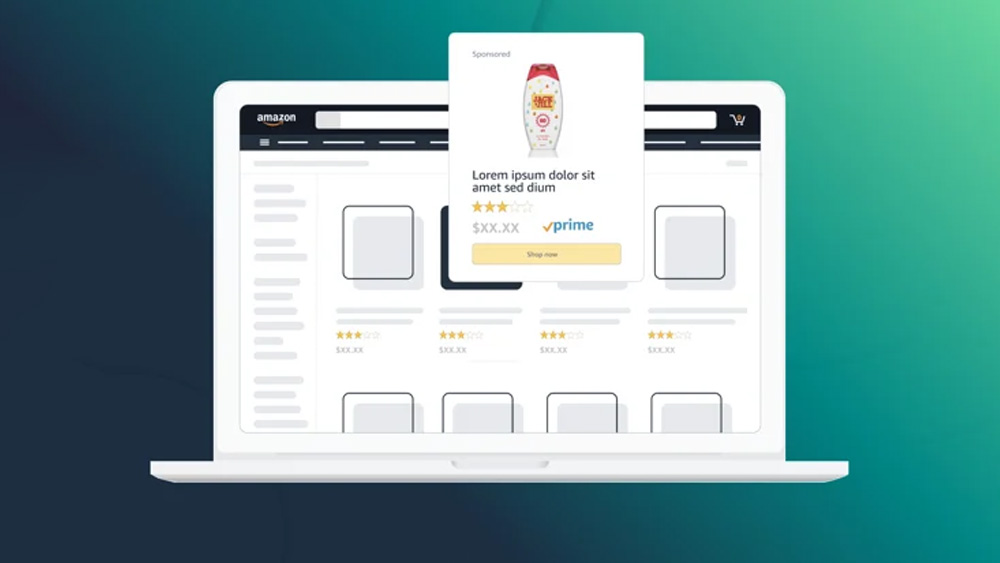
Amazon Ads are essential for sellers aiming to enhance their product visibility and drive sales on the world’s largest e-commerce platform. Whether you’re an experienced seller or just starting out, mastering Amazon’s advertising tools can significantly influence your business’s success.
This guide is crafted for sellers interested in leveraging Amazon’s advertising features to improve their marketing efforts and achieve better results.
Understanding Amazon Ads
Types of Amazon Ads
Amazon offers various ad options to promote products on the platform and third-party exchanges.
- Sponsored Products: Promote individual product listings in search results and product detail pages. Sponsored Products is for driving immediate sales.
- Sponsored Brands: Ideal for brand-building, featuring your logo, a custom headline, and multiple products. Sponsored brands is for increasing brand awareness.
- Sponsored Display: Target shoppers on and off Amazon using browsing and purchase behavior. Sponsored display is for retargeting and reaching a broader audience.
- Amazon DSP (Demand-Side Platform): Allows programmatic ad buying to reach audiences across Amazon sites and third-party exchanges.
Benefits of Amazon Ads
You may want to include Amazon Ads in your media mix because of its capabilities and performance. Advertisers can:
- Increase Visibility: Ads appear prominently on Amazon, enhancing product discoverability.
- Target Advertising: Reach specific audiences based on behavior and interests.
- Scale: Campaigns can be scaled according to budget and business needs.
- Measure Results: Detailed analytics help track performance and ROI.
Getting Started with Amazon Ads
Set Up an Amazon Seller Account
To start advertising, you need an active Amazon Seller account. This involves registering your business, listing products, and setting up payment methods.
Enroll in Amazon Advertising
Once your seller account is active, enroll in Amazon Advertising through Seller Central to access various ad types and tools.
Navigating the Amazon Ads Dashboard
Familiarize yourself with the dashboard, where you can create, manage, and analyze your ad campaigns. Key sections include Campaign Manager, Reports, and Performance Metrics.
How to Create Your Amazon Ads Campaign
Step-by-Step Guide to Creating an Ad
- Select your Amazon Ad Type: As mentioned before, this is based on what you want to achieve.
- Set Up Campaign Goals: Define your objectives (e.g., increase sales, boost brand awareness).
- Select Budget and Bidding Strategies: Set daily and total budgets, and choose between manual or automated bidding.
- Define Targeting Options: Select keywords, product categories, or audience interests.
- Create Ad Copy and Selecting Keywords: Write compelling ad copy and choose relevant keywords.
- Design Ad Creatives: You can upload creatives for sponsored brands and/or add products to your creative.
How to Conduct Keyword Research and Optimization for Amazon Ads
Why Keywords Are Important for Amazon Ads
Keywords determine when your ads appear in search results. Effective keyword selection can drive relevant traffic to your listings.
I recommend utilizing Amazon’s search term report to gain insights into which terms shoppers use to find products. After keyword selection and launch, it’s important to optimize keywords for better results.
The first is to regularly review keyword performance and adjust bids to ensure cost efficiency. The second is to add negative keywords to avoid irrelevant traffic and refine your targeting.
How to Manage Your Bid Strategies and Budgets on Amazon Ads
Understanding Amazon Bidding Strategies
Amazon Ads has two bidding strategies. The first is manual bidding, which is where you set bids. Automated bidding is where Amazon adjusts bids based on conversion likelihood.
Setting Daily and Lifetime Budgets
To manage your spend effectively, define your daily and total campaign budgets.
Automation Tools for Bid Management
Amazon ads has a couple of tools to help you manage your bids.
Dynamic Bidding: Adjusts bids in real-time based on conversion likelihood. Options include “Down Only” and “Up and Down.”
Bid Adjustments by Placement: Set bid multipliers for different ad placements to optimize for the most effective positions.